
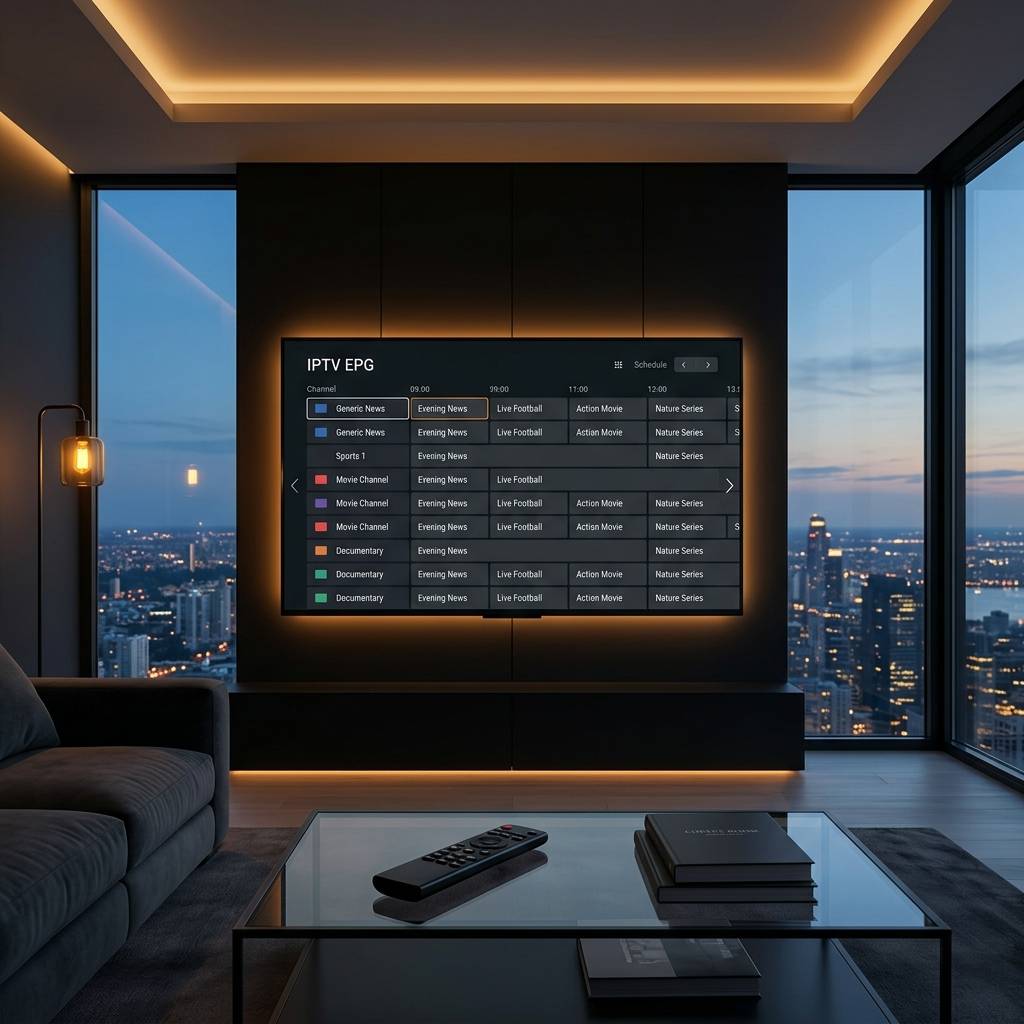
Best Smart Home Setup for Beginners and How to Build an Automated Entertainment Hub

IPTVBestStream Editorial Team
IPTV Buying Guides for the UK & Canada
Best Smart Home Setup for Beginners and How to Build an Automated Entertainment Hub
You walk into your living room after a long day. You want to watch a movie. First you find the TV remote and power on the television. Then you find the soundbar remote and switch it to the correct input. Then you walk to the light switch and dim the overhead lights. Then you walk to the lamp and turn it off manually. Then you close the curtains to block the remaining daylight. Then you sit down grab the streaming remote and navigate to your app. Six separate actions across four different controls and two physical locations before you can begin relaxing.
Now imagine walking into the same room and saying movie time. The television powers on. The soundbar activates and sets itself to cinema audio mode. The overhead lights dim to twenty percent. The lamp turns off. The streaming device launches your preferred app. You sit down and the content is ready. One voice command replaced six manual actions and you never touched a single remote switch or curtain cord.
This is not futuristic fantasy. It is a basic smart home routine that costs under two hundred dollars to implement using widely available consumer devices. This guide walks through building an entertainment-focused smart home from scratch starting with the foundational devices that enable voice control and automation then expanding into lighting control power management and multi-room audio. Each section recommends specific device categories explains how they integrate and describes the routines that transform independent gadgets into a cohesive automated entertainment environment.
Choosing Your Voice Assistant Ecosystem as the Smart Home Foundation
Every smart home needs a central intelligence that receives your voice commands interprets them and sends instructions to connected devices. This central role is filled by a voice assistant that lives inside a smart speaker or smart display placed in your primary entertainment space. The voice assistant you choose becomes the foundation that all other smart home purchases build upon so selecting the right ecosystem at the start prevents compatibility headaches later.
Three major voice assistant ecosystems dominate the smart home landscape and each offers distinct strengths for entertainment-focused setups. The ecosystem built around the most popular smart speaker platform provides the widest compatibility with third-party smart home devices and offers the deepest integration with the largest online shopping and streaming ecosystem. The ecosystem built around the most popular search engine provides superior natural language understanding and integrates tightly with the largest video platform and Chromecast streaming devices. The ecosystem built around the most popular smartphone manufacturer provides the tightest integration with that brand phones tablets and computers.
For entertainment-focused smart homes evaluate which ecosystem integrates best with your existing streaming devices and media subscriptions. If your household already uses specific streaming hardware check which voice assistant provides native control of that hardware. If your household uses a specific phone platform check which voice assistant provides the smoothest mobile app experience. The best ecosystem is the one that connects most naturally to the devices and services your household already uses rather than the one with the longest feature list on paper.
Purchase a smart speaker with your chosen voice assistant as the first smart home device. Place it in your primary entertainment room within voice range of your normal viewing position. The smart speaker serves as both the voice control interface and the central hub that communicates with all subsequent smart devices you add to the system.
Smart Plugs and How They Instantly Make Any Device Voice Controlled
Smart plugs are the most underappreciated and most immediately impactful smart home device category. A smart plug inserts between any electrical outlet and any device power cord adding Wi-Fi connectivity and voice control to equipment that was never designed to be smart. Plug a floor lamp into a smart plug and that lamp now responds to voice commands and automated schedules. Plug a fan into a smart plug and it turns on automatically when you start your evening viewing routine.
For entertainment setups smart plugs solve several common annoyances. A smart plug on the power strip feeding your television and soundbar allows a single voice command to power on or off the entire entertainment center. Smart plugs on table lamps and floor lamps in the viewing room enable voice-controlled lighting without replacing existing bulbs or light fixtures. A smart plug on a subwoofer or secondary speaker allows power management through the same voice ecosystem that controls your other devices.
Smart plugs cost approximately five to eight dollars each and install in seconds. Plug the smart plug into the wall outlet. Plug your device power cord into the smart plug. Open the companion smartphone app and follow the guided setup which connects the smart plug to your Wi-Fi network and registers it with your voice assistant. Name the plug descriptively like living room lamp or TV power strip so voice commands use natural language you will remember.
Schedule automations provide additional value beyond voice commands. Program the smart plug on your entertainment center to power off automatically at midnight preventing standby power consumption during sleeping hours. Program the plug on a mood lamp to turn on at sunset creating ambient lighting for evening viewing without any manual action. These scheduled automations run silently in the background saving energy and creating comfort without requiring daily attention.
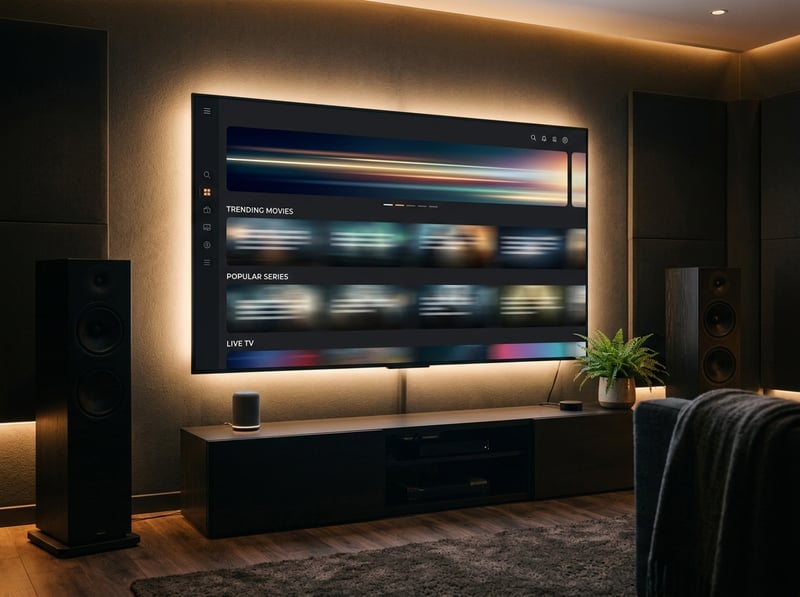
Smart Lighting for Creating Automated Entertainment Ambiance
Lighting transforms the feel of your entertainment space more dramatically than any other smart home category. The difference between watching a movie under bright overhead fluorescent light and watching the same movie with dimmed warm accent lighting is the difference between staring at a screen and inhabiting an experience. Smart lighting makes this transformation instant and automatic through voice commands and programmed scenes.
Smart bulbs replace existing light bulbs in your current fixtures and add Wi-Fi connectivity with dimming color temperature adjustment and in some models full RGB color control. For entertainment purposes the most valuable capabilities are dimming and color temperature adjustment. Dimming to twenty or thirty percent provides enough ambient light to navigate the room safely without washing out the television image. Shifting color temperature from cool daylight to warm candlelight creates a cozy evening atmosphere that enhances relaxation during viewing.
Smart light switches replace the existing wall switch and add smart control to every bulb on that circuit simultaneously. Unlike smart bulbs which must be replaced individually a single smart switch controls all bulbs on its circuit through the existing wiring. Smart switches are more cost-effective when controlling ceiling fixtures with multiple bulbs or when you prefer to keep standard bulbs rather than purchasing smart bulbs for every socket.
Create lighting scenes that save specific brightness and color temperature settings for different activities. A movie scene dims all entertainment room lights to fifteen percent with warm color temperature. A gaming scene sets lights to moderate brightness with cool color temperature. A reading scene brightens a specific lamp while dimming the overhead fixture. Each scene activates with a single voice command or a single tap in the app switching the entire room lighting configuration instantly to match your current activity.
Building Voice Routines That Automate Your Entire Entertainment Experience
Voice routines are the feature that transforms a collection of individual smart devices into a cohesive automated system. A routine is a programmed sequence of actions triggered by a single voice command or a scheduled time. Speaking one phrase executes multiple device commands simultaneously creating complex environmental changes that would require minutes of manual adjustment.
Build your first entertainment routine by opening the voice assistant app on your phone and navigating to the routines or automations section. Create a new routine with a custom trigger phrase like movie time or movie night. Add each action you want the routine to execute. Turn on the TV smart plug. Set the living room lights to movie scene. Set the lamp to off. Each action adds one step to the sequence that the routine executes when you speak the trigger phrase.
Create different routines for different entertainment scenarios. A gaming routine could set lights to medium brightness with cool temperature and announce game time is starting. A music routine could power on a smart speaker group set lights to a colorful party scene and begin playing a favorite playlist. A bedtime routine could power off all entertainment devices dim hallway lights to nightlight level and set bedroom lights to warm ten percent brightness.
Time-triggered routines run automatically without any voice command. A weeknight wind-down routine that activates at nine PM could dim entertainment room lights to fifty percent reduce smart speaker volume to thirty percent and send a notification reminding that bedtime is approaching. A morning routine at seven AM could turn on the kitchen smart speaker to play news briefings while activating the coffee maker smart plug and setting kitchen lights to full bright daylight temperature.
Multi-Room Audio and Whole-Home Entertainment Integration
Smart speakers placed in multiple rooms create a connected audio network that plays synchronized music throughout your entire home or different content in different rooms simultaneously. This multi-room capability turns individual room speakers into a whole-home audio system controlled entirely through voice commands from any room.
Group speakers by room or by zone in the voice assistant app. A downstairs group might include the living room speaker and kitchen speaker. An everywhere group includes every speaker in the home. Saying play jazz on the downstairs group fills the living room and kitchen with synchronized music. Saying play everywhere fills every room simultaneously. Moving between rooms during playback means the music follows you everywhere you walk.
Each room speaker also functions as an independent voice control point for the smart devices in that room. A kitchen speaker controls kitchen smart plugs and lights. A bedroom speaker controls bedroom devices. This distributed control eliminates the need to shout commands across the house or walk to a specific room to adjust devices. Every room has its own voice interface responding to commands directed at nearby devices.
Smart displays add visual capability to the speaker experience showing album art during music playback video content from compatible streaming services recipe instructions security camera feeds and smart home device status dashboards. Placed in the kitchen or bedroom a smart display provides a glanceable information hub that enhances the smart home experience beyond what audio-only speakers deliver. The visual interface also provides touch-based device control as an alternative to voice commands for situations where speaking is inconvenient.
Privacy Considerations and Keeping Your Smart Home Secure
Smart home devices connect to your home network and communicate with cloud servers raising legitimate privacy and security questions that informed users should address during setup. Understanding what data these devices collect how to limit unnecessary data sharing and how to secure the devices against unauthorized access ensures that convenience does not come at the cost of your household privacy.
Voice assistants listen for their wake word continuously but do not record or transmit audio to the cloud until the wake word is detected. After the wake word activates the device the subsequent voice command is recorded transmitted and processed on cloud servers. Review and delete your voice command history periodically through the voice assistant app. Most platforms provide options to automatically delete recordings after a set period or to disable cloud storage of voice recordings entirely.
Secure your smart home devices by using strong unique Wi-Fi passwords and enabling two-factor authentication on your voice assistant account. Smart home devices connect through your Wi-Fi network and a weak Wi-Fi password could allow unauthorized access to your smart home controls. Two-factor authentication prevents account takeover even if your password is compromised. Update device firmware when prompted to patch security vulnerabilities that are discovered after the product ships.
Segregate smart home devices onto a separate Wi-Fi network if your router supports guest network or VLAN functionality. This isolation prevents a compromised smart device from accessing personal data on computers and phones connected to your primary network. Most modern routers provide a guest network feature that creates this separation without requiring advanced networking knowledge. Connect all smart home devices to the guest network and all personal devices to the primary network for straightforward isolation.
Expanding Your Smart Home Gradually Without Overwhelming Complexity
The most common smart home mistake is purchasing too many devices simultaneously and becoming overwhelmed by the configuration complexity. Twelve new devices arriving on the same day creates an installation marathon where frustration replaces excitement and half the devices remain unconfigured in their boxes for weeks. The better approach is starting with three to five foundational devices becoming comfortable with their operation and expanding gradually as you identify new automations that would genuinely improve your daily routine.
After your initial smart speaker plus smart plugs plus smart bulbs setup live with the system for two to four weeks before purchasing additional devices. During this period you discover which voice commands you use naturally and which routines genuinely save time. You also identify friction points where additional smart devices would solve real daily inconveniences. These real-world discoveries drive more satisfying purchases than impulse buying devices that look impressive on a product page but solve problems you do not actually have.
When expanding consider devices that integrate directly into your entertainment workflow. A smart thermostat creates comfortable viewing temperatures that activate automatically with your movie routine. Smart blinds or curtains block daylight during daytime viewing without leaving the viewing seat. A robot vacuum scheduled to run while you are at work ensures a clean entertainment space without manual effort. Each addition should connect to existing routines and enhance the automated experience you have already built.
The ultimate goal is an entertainment space that anticipates your needs rather than requiring your constant management. Lights adjust automatically based on time of day and activity. The room temperature stays comfortable without manual thermostat adjustments. Your entertainment system powers on and configures itself with a single spoken phrase. This ambient intelligence develops gradually through accumulated smart devices and refined routines creating a living space that feels effortlessly comfortable and perpetually ready for whatever you want to watch next.
Frequently Asked Questions
Ready to get started?
Try our service risk-free with a 24-hour free trial.
Related Articles
Best Android TV Box and How to Choose the Right One for Your Streaming Needs
A comparison guide to choosing the best Android TV box covering certified vs uncertified devices and processor and RAM specifications and storage options and what separates quality boxes from cheap underperformers.
Discover the Best IPTV Box Devices for Seamless Streaming
Find the best IPTV box devices for smooth streaming.
How to Set Up IPTV on Firestick in 5 Minutes (2026)
Quick step-by-step tutorial to configure and activate your IPTV subscription on any Fire TV device.