
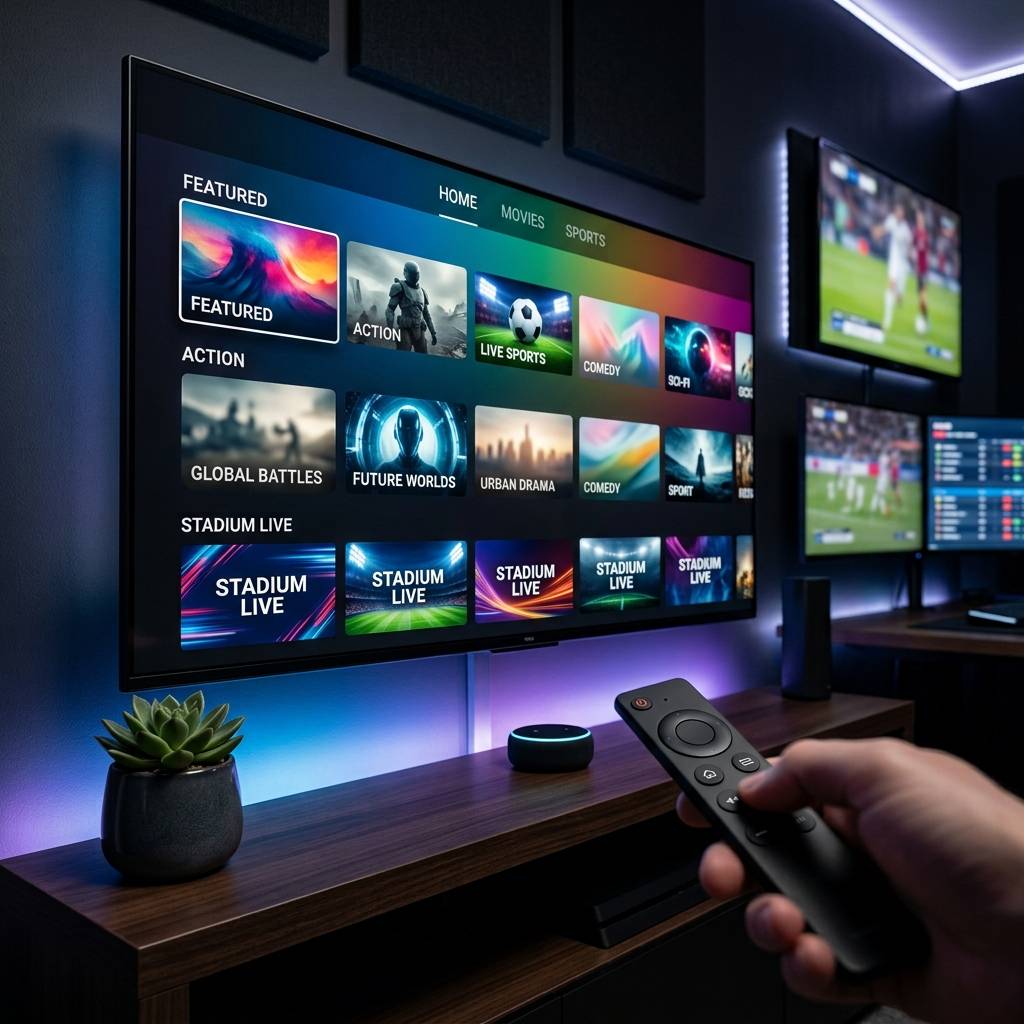
Discover the Best IPTV Service: Your Complete 2026 Guide

Paying over $100 a month for a cable subscription that still manages to drop channels, skip sports games, and bury your favorite content behind five different paywalls is a special kind of frustration. Thousands of people are ditching traditional TV every single month, and the ones who land on the best IPTV service are wondering why they waited so long. If you've been circling around the idea of switching to IPTV but feel overwhelmed by M3U playlists, Xtream Codes, app choices, and buffering horror stories -- this guide cuts through all of it and gives you exactly what you need to stream confidently and consistently.
Solving your streaming setup the right way from the beginning is what separates people who enjoy flawless 4K content every night from those who spend half their evening fighting buffering wheels. Choosing the best IPTV service paired with the right app and network setup isn't just a convenience -- it's the entire experience.
Core Concepts & Need-To-Know Info
- M3U Playlist / M3U URL: This is a text-based file or link your IPTV provider gives you. It contains all your channel stream addresses. Apps like TiviMate or IPTV Smarters use this URL to load your channels.
- Xtream Codes API: An alternative login method (username, password, and server URL) used by many providers. It's generally more stable than M3U links and allows features like catch-up TV.
- VOD (Video on Demand): The on-demand movie and TV series library included with most IPTV subscriptions -- think Netflix-style content baked into your IPTV app.
- EPG (Electronic Program Guide): The channel guide showing what's currently on and what's coming up, similar to a traditional TV guide.
- ISP Throttling: When your internet provider detects high-bandwidth streaming and deliberately slows your connection -- a leading cause of IPTV buffering.
- Minimum internet speed: 10 Mbps for HD streaming, 25 Mbps for 4K. Wired ethernet connections are always preferred over Wi-Fi for IPTV.
- Panel/Portal URL: Some services use a portal-based system compatible with apps like Formuler or MAG boxes instead of M3U.
Step-by-Step Guide: Setting Up the Best IPTV Service on Your Device
- Step 1: Choose Your IPTV Provider:
- Research providers that offer a free trial before committing. Look for services with 99.9% uptime guarantees, anti-freeze servers, and a large channel list that includes your region. Avoid any provider that can't give you a test line within 24 hours -- that's a red flag for reliability.
- Step 2: Select Your IPTV App:
- On Firestick or Android TV, the two best options are TiviMate (best overall UI and stability) and IPTV Smarters Pro (great for beginners). TiviMate requires a small one-time payment for the premium version but is worth every penny. Download either app from the Amazon App Store or Google Play Store.
- Step 3: Enable Downloader on Firestick (If Sideloading):
- Navigate to your Firestick Settings, then My Fire TV, then Developer Options, then toggle on "Apps from Unknown Sources." This allows you to install APK files not found in the Amazon store, including TiviMate via the Downloader app.
- Step 4: Launch Your IPTV App and Select Add Playlist:
- Open TiviMate or Smarters. On the welcome screen, tap "Add Playlist." You'll be prompted to choose between M3U URL or Xtream Codes. Select whichever format your provider gave you. If you received a username, password, and server address -- that's Xtream Codes. If you got a single long link ending in .m3u or .m3u8 -- that's your M3U URL.
- Step 5: Enter Your Credentials Carefully:
- Copy and paste your M3U URL or Xtream Codes login details exactly as provided. A single wrong character will result in a failed playlist load. If your provider sent the details via email, copy directly from the email rather than typing manually. Tap "Add" or "Connect."
- Step 6: Wait for Playlist to Load and Organize Channels:
- Depending on how many channels your subscription includes, loading can take 30 seconds to 3 minutes. Once loaded, go into settings and enable your EPG source URL (your provider should supply this separately). In TiviMate, go to Settings, then Playlist, then EPG URL and paste it there.
- Step 7: Test Your Streams and Check Buffering:
- Navigate to a live sports channel or a 4K VOD title and play it for at least 5 minutes. If the stream runs smoothly without freezing, your setup is complete. If you see buffering, skip ahead to the troubleshooting section -- but also run a speed test first to rule out an internet issue.
- Step 8: Enable VPN if Needed:
- If your ISP throttles video streaming traffic, install a VPN (ExpressVPN or NordVPN recommended) before launching your IPTV app. Connect to a server in your country or the nearest available location for the best speeds.

Imagine settling in to watch a Champions League final, grabbing your snacks, and then spending the entire match fighting a buffering wheel -- that's the real-world cost of skipping these warnings. ISP throttling, in particular, is invisible to most users because their regular browsing and Netflix streams seem fine, but IPTV traffic gets detected and slowed specifically. A quality VPN running in the background eliminates this issue completely and is the single best insurance policy for a smooth IPTV experience.
Best VPNs to Stop ISP Throttling
- ExpressVPN: Consistently the fastest VPN for streaming with servers in 105 countries. Their Lightway protocol is specifically optimized for video, and it runs smoothly on Firestick without slowing down 4K streams.
- NordVPN: Excellent speeds, a massive server network, and a dedicated streaming mode. NordVPN also offers a threat protection feature that blocks malicious ad domains -- useful when navigating sketchy IPTV provider websites.
- Surfshark: The best budget option, allowing unlimited simultaneous connections. If you run IPTV on multiple devices in your home, Surfshark covers them all under one subscription.
- IPVanish: Built directly into some Firestick setups and popular in the IPTV community for its no-logs policy and fast US server performance.
Always connect your VPN before launching your IPTV app for the best results, and use a server located in or near your country to minimize latency.
TiviMate vs. IPTV Smarters: Which App Is Right for You?
- TiviMate is widely considered the gold standard for Android-based devices. Its interface is clean, channel switching is near-instant, and features like multi-screen view, recording, and catch-up TV are built in. The free version is functional but limited -- the Premium version (around $5/year) unlocks everything and is absolutely worth it.
- IPTV Smarters Pro is a strong runner-up and is completely free. It supports both M3U URLs and Xtream Codes, has a decent VOD browser, and works well on Smart TVs, iOS, and Android. The UI is slightly less polished than TiviMate but gets the job done.
- GSE Smart IPTV is a good alternative for iOS users who want a feature-rich app outside of the Apple TV ecosystem.
- Recommendation: If you're on a Firestick or Android TV box, start with TiviMate Premium. If you're on a Smart TV or tablet, IPTV Smarters Pro handles those platforms more gracefully.
Network Requirements for 4K Streaming
- Minimum speeds: 10 Mbps for HD (1080p), 25 Mbps for 4K UHD. If multiple people in your home are streaming simultaneously, multiply accordingly.
- Wired ethernet over Wi-Fi: A Cat6 ethernet cable from your router to your Firestick (using an ethernet adapter) or Android TV box eliminates the packet loss and interference that wireless connections introduce. This single change fixes buffering for a large percentage of users.
- Router placement matters: If you must use Wi-Fi, position your router within clear line of sight of your streaming device and on the 5GHz band rather than 2.4GHz for faster, less congested speeds.
- QoS settings: Log into your router admin panel and enable Quality of Service (QoS), prioritizing your streaming device's IP address. This ensures your IPTV traffic gets bandwidth priority over other devices on the network.
- Consider a mesh network: For larger homes, a mesh Wi-Fi system like Eero or Google Nest significantly reduces dead zones that cause mid-stream drops.
Common Setup Mistakes and How to Fix Them
- Incorrect EPG URL causing a blank program guide: Double-check the EPG URL from your provider and re-enter it in your app's playlist settings. Some providers use a separate EPG URL that's different from your M3U link.
- Not clearing app cache regularly: On Firestick, go to Settings, then Applications, then Manage Installed Applications, select your IPTV app, then Clear Cache. Do this weekly if you stream heavily. Cache buildup causes apps to lag, crash, and load playlists slowly.
- Running too many apps in the background: Restart your Firestick before a big streaming session, especially for live sports events. Background apps consume RAM and degrade playback performance noticeably.
- Using an outdated app version: Keep TiviMate or Smarters updated. Outdated versions have known bugs that newer builds fix, including playlist loading failures and EPG sync issues.
- Choosing a provider based solely on price: Prioritize uptime track record and server quality over monthly cost. A $7/month service with constant freezing is infinitely worse than a $15/month service that works flawlessly.
Troubleshooting: Fixing Playlist and Stream Errors
- Playlist fails to load: Your M3U URL may have expired or your subscription lapsed. Contact your provider for a refreshed link. Also confirm your device has an active internet connection before assuming the problem is the service.
- Channels load but video won't play: This is often a codec issue. In TiviMate, go to Settings, then Player and switch between the built-in player and an external player like MX Player or VLC. Some streams use codecs that one player handles better than another.
- EPG showing wrong times or blank guide: Resync your EPG under playlist settings. Some providers update their EPG URL periodically -- ask your provider for the latest link if the issue persists.
- Specific channels buffer while others play fine: This indicates a server-side issue with those particular streams. Report it to your provider. Premium services typically resolve individual stream issues within hours.
- App crashes on startup: Clear cache and data, then uninstall and reinstall the app fresh. Also check that your device firmware is up to date, as outdated system software causes compatibility issues with newer app builds.
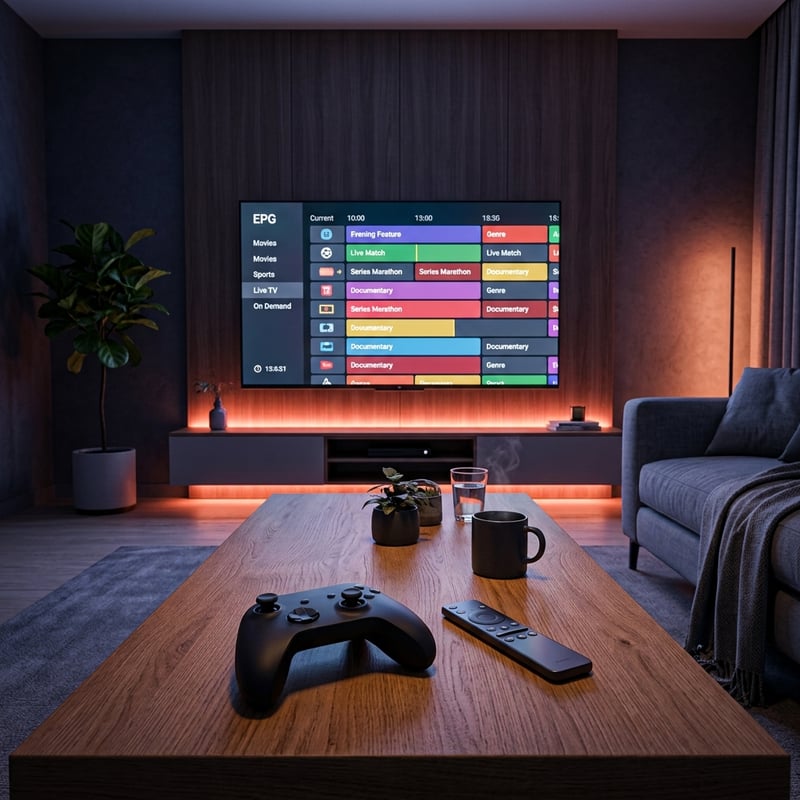
Finding the best IPTV service isn't just about picking a provider with the most channels -- it's about building a complete setup where your app, network, device, and subscription all work together without friction. When those pieces align, IPTV completely replaces cable at a fraction of the cost and with far more content at your fingertips, so check out our full channel list and pricing plans to get started today.
Frequently Asked Questions
Ready to get started?
Try our service risk-free with a 24-hour free trial.
Related Articles

Discover the Best IPTV Providers for 2026: Expert Picks
Learn about the best IPTV providers for 2026 and more.

Top IPTV Reviews in the UK: Discover the Best Options for 2026
Uncover the best IPTV services with our UK reviews.

Discover the Best IPTV Service in the UK: 2026 Insights
Uncover the best IPTV services available in the UK for 2026.