
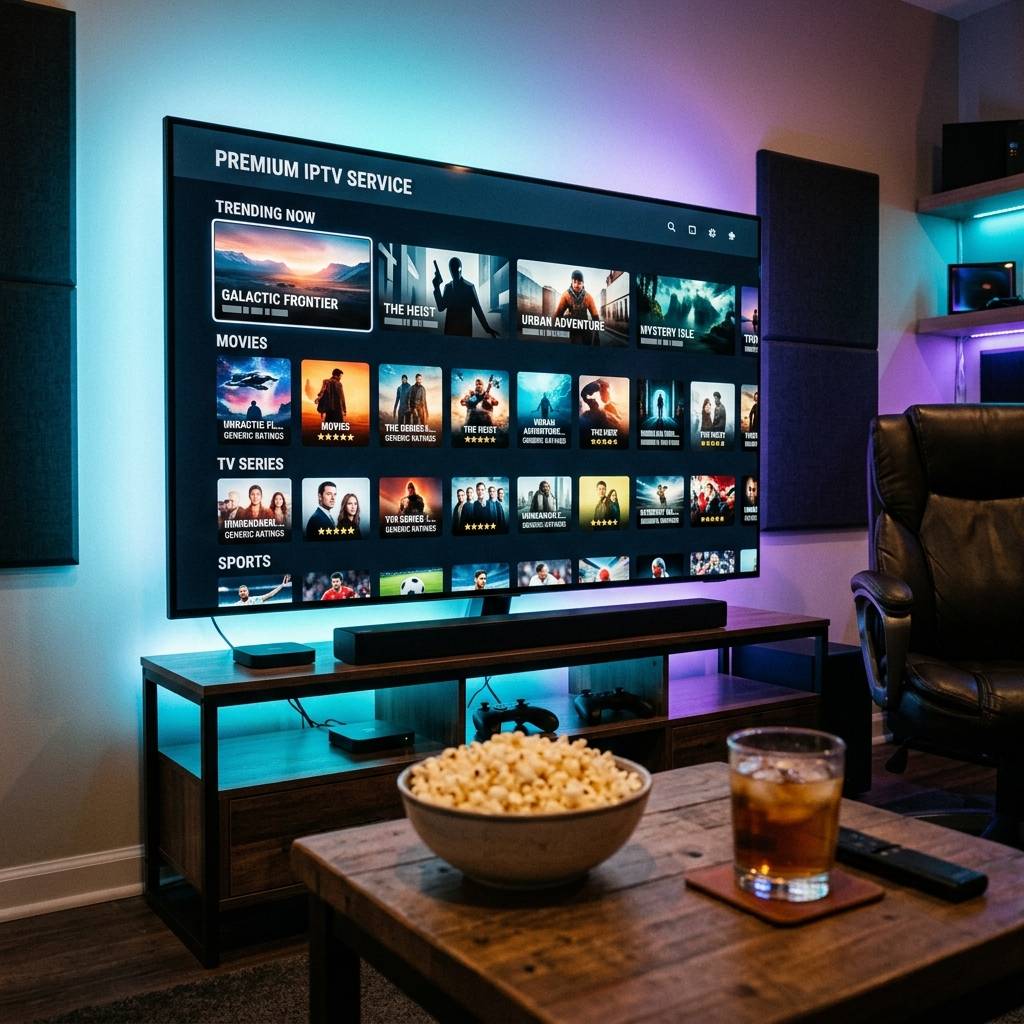
IPTV Streaming Services Explained: How Live TV Over Internet Works in 2026

IPTVBestStream Editorial Team
IPTV Buying Guides for the UK & Canada
If you have heard the term 'IPTV' thrown around in conversations, Reddit threads, or tech blogs but never fully understood what it actually means, you are in exactly the right place. IPTV is not a brand name. It is not a specific app. It is not something mysterious or complicated. IPTV simply stands for Internet Protocol Television, and at its core it describes one straightforward concept: watching live TV channels through your internet connection instead of through a cable box plugged into your wall or a satellite dish bolted to your roof. That is it. The same way Spotify replaced physical CDs for music and Kindle replaced physical books for reading, IPTV replaces physical cable infrastructure for television. You keep everything you love about traditional TV, including live channels, sports, news, a familiar channel guide, and even a remote control. You just receive it through your Wi-Fi router instead of through a coaxial cable.
The traditional television delivery chain is absurdly expensive because of physical infrastructure. Cable companies bury thousands of miles of coaxial wire underground. Satellite companies launch multi-billion-dollar orbital receivers into space. Then they charge you monthly to rent the box that decodes their signal, monthly for the remote, monthly for each additional room, and quarterly price increases that you cannot opt out of. IPTV eliminates every single layer of that physical infrastructure. Your content travels from the provider server to your home through the same internet pipe you already pay for. No truck rolls. No installation windows. No equipment deposits. Check our detailed best IPTV service 2026 rankings to see which providers deliver the most reliable server infrastructure.
How IPTV Streaming Services Actually Work
- Step 1: The Provider Captures Live Broadcasts
- IPTV providers operate professional-grade satellite dishes and fiber optic connections that receive live television signals from broadcasters worldwide. These signals include everything from local news networks to international sports feeds to premium cinema channels.
- Step 2: Signals Are Encoded and Compressed
- Raw broadcast signals are massive. The provider re-encodes each channel using modern H.265 (HEVC) compression, reducing the data size by up to 50% while maintaining crystal-clear 4K picture quality. This compressed stream is then distributed across the provider server network.
- Step 3: Servers Deliver Streams to Your Device
- When you click a channel in your player app, your device sends a request to the nearest provider server node. The server responds by streaming the compressed video data directly to your Firestick, Smart TV, phone, or PC over your home internet connection.
- Step 4: Your Player App Decodes and Displays
- Your IPTV player app (like TiviMate or IPTV Smarters Pro) receives the data stream, decodes the H.265 video using your device hardware GPU, and renders the live picture on your screen in real time. The entire process from button press to picture display takes less than one second.
IPTV vs Cable vs Satellite vs Official Streaming: The Full Comparison
- Traditional Cable ($100 to $200/month): Physical coaxial connection. Requires rental equipment ($10 to $15/month per box). Limited to your home address. 200 to 300 channels. 12 to 24-month contract lock-in. Annual price increases. Regional availability only.
- Satellite TV ($80 to $150/month): Dish installation required. Weather-dependent signal quality (rain fade). Similar equipment rental fees. Slightly better geographic availability than cable but still contract-locked.
- Official Live TV Streaming ($55 to $85/month): YouTube TV, Hulu Live, Fubo. No equipment fees. 100 to 200 channels. US-only availability. Regional blackouts on local sports. No international channels. 4K costs extra on most platforms.
- IPTV Streaming Service ($10 to $15/month): Works over any internet connection worldwide. 22,000+ channels from every country. Native 4K sports included in base price. Zero contracts. Zero equipment rental. Multi-device flexibility. Massive VOD library. Full EPG TV guide.
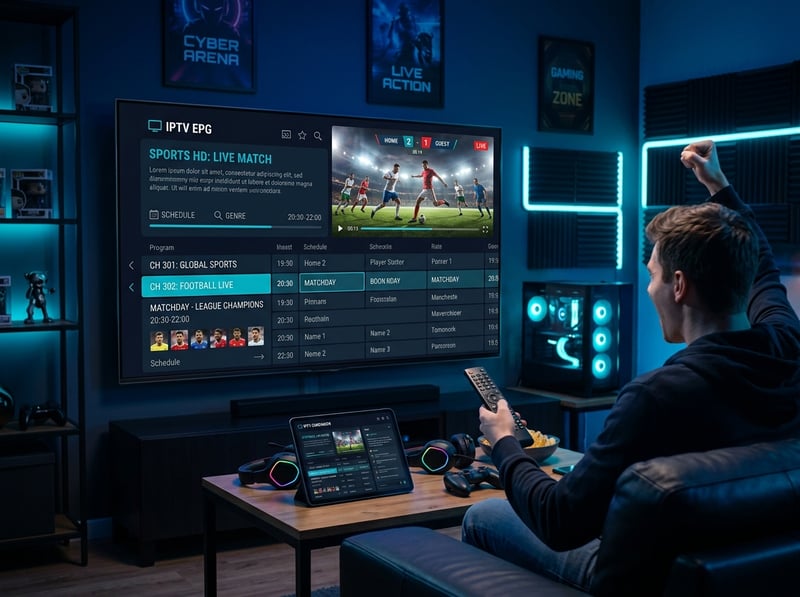
People hearing about IPTV for the first time are often sceptical and assume anything that cheap must look terrible. A quick browse through a well-organised IPTV app is often enough to change their mind: crystal-clear HD news channels, a large sports section with dozens of live feeds, an on-demand library larger than any single streaming app, and a full seven-day TV guide that looks just like a cable interface. Many then request a trial and cancel cable soon after.
How to Subscribe and Start Watching Tonight
- Step 1: Choose Your Streaming Device
- If you already own a Smart TV, Amazon Firestick, Apple TV 4K, Android TV box, or a laptop, you are ready. No additional hardware purchase needed. For device recommendations, check our best IPTV apps for Apple TV guide.
- Step 2: Select a Subscription Plan
- Choose a monthly, quarterly, or annual plan. Monthly plans offer maximum flexibility ($12 to $15). Annual plans offer the best value ($8 to $10/month effective rate). Always start with a single month to verify quality.
- Step 3: Receive Your Login Credentials
- After payment, you receive an email containing your Server URL, Username, and Password (Xtream Codes API credentials). This usually arrives within 2 to 5 minutes.
- Step 4: Install a Player App
- Install TiviMate or IPTV Smarters Pro on your device. Open the app, select 'Add Playlist > Xtream Codes API', and enter your three login fields. For detailed setup instructions, follow our IPTV Smarters Pro configuration walkthrough.
- Step 5: Start Watching
- Your channel list, TV guide, and VOD library populate automatically. Browse categories, add favorites, and enjoy live television on your terms.
What Content Do IPTV Streaming Services Include?
A premium IPTV subscription in 2026 typically includes five core content categories. First, live television channels covering news, entertainment, kids, music, documentaries, and regional networks from over 50 countries. Second, live sports feeds delivering every major league, tournament, and pay-per-view event in native 4K at 60 frames per second. Third, a video-on-demand (VOD) movie library with tens of thousands of titles updated daily, including recent theatrical releases. Fourth, a TV series section with complete season archives of popular shows organized by genre. Fifth, a catch-up TV archive that stores the past seven days of broadcasts so you can replay anything you missed.

IPTV streaming services represent the biggest shift in home entertainment since the invention of cable television itself. For less than the cost of a single movie ticket every month, you get more live channels, more sports coverage, more movies, and more flexibility than any cable or satellite bundle could ever deliver. No contracts locking you in. No equipment fees draining your wallet. No installation appointments wasting your Saturday morning. Just open an app, press play, and watch the world. Explore our complete channel lineup, choose the plan that fits your household, and start your risk-free 24-hour trial to experience the future of television tonight.
Frequently Asked Questions
Ready to get started?
Try our service risk-free with a 24-hour free trial.
Related Articles

IPTV UK Free Trial How to Test Before You Subscribe 2026
How to get a reliable IPTV free trial in the UK. Test provider quality, check channel availability, and verify stream stability before subscribing.

How to Buy an IPTV Subscription Safely Without Getting Scammed in 2026
A definitive buyer guide for purchasing an IPTV subscription. Covers red flags, secure payment methods, and how to avoid scam providers.

IPTV Reseller Panel Guide and How to Start Your Own Streaming Business 2026
A comprehensive business guide to IPTV reseller panel operations in 2026. Covers panel functionality, credit systems, subscriber account creation, pricing strategies, customer support management, and scaling a profitable reselling operation.