
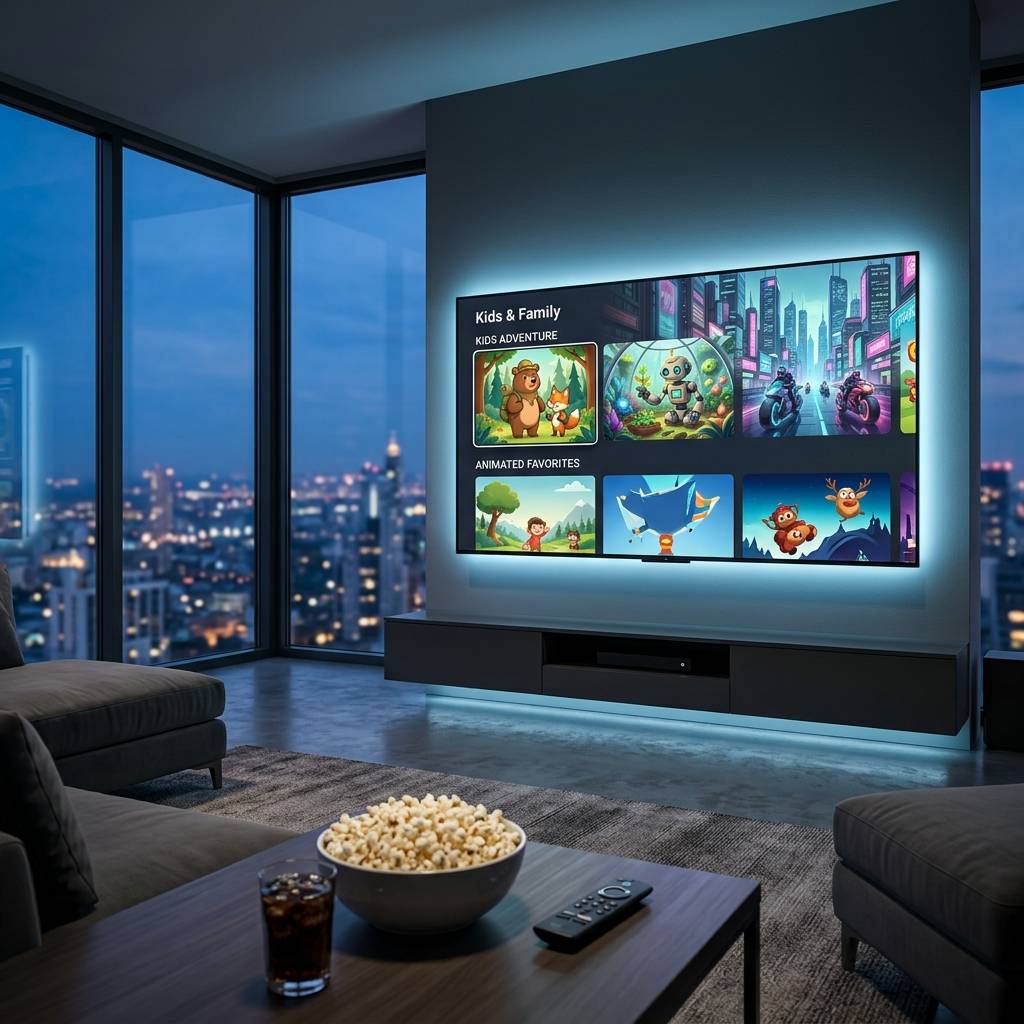
Best Budget Smart TVs That Deliver Premium Picture Quality Without the Premium Price

IPTVBestStream Editorial Team
IPTV Buying Guides for the UK & Canada
Best Budget Smart TVs That Deliver Premium Picture Quality Without the Premium Price
The television market in 2026 presents a remarkable value proposition for budget-conscious buyers. Walk into any electronics retailer and the wall of televisions displays a dizzying range of prices from one hundred fifty dollars to five thousand dollars for screens that appear nearly identical from a normal viewing distance. The natural assumption is that expensive televisions must look dramatically better than cheap ones. That assumption was accurate a decade ago when budget sets produced visibly inferior images with washed-out colors dim backlights and limited viewing angles. It is no longer accurate today.
Modern budget smart TVs incorporate panel technology and processing hardware that trickled down from premium flagship lines within two to three product cycles. The 4K panel in a three hundred dollar television uses the same fundamental liquid crystal technology as the panel in a twelve hundred dollar television from the same manufacturer. The processing chip running the smart platform in a budget set frequently comes from the same chip family as the one in premium models running at slightly lower clock speeds. The streaming apps are identical. The HDMI ports are identical. The remote control experience is identical.
This guide examines what budget smart TVs deliver well and where they make compromises and how to identify the best options within budget constraints. Understanding which specifications genuinely affect your viewing experience and which serve primarily as marketing differentiation helps you spend confidently on a television that delivers excellent daily performance without overpaying for capabilities you will never notice in normal use.
What You Get in a Budget Smart TV and Where the Compromises Live
Budget smart TVs in the two hundred to four hundred dollar range consistently deliver several specifications that match premium models. 4K resolution at 3840 by 2160 pixels is standard across virtually every budget model at forty-three inches and above. HDR compatibility including HDR10 decoding appears on most budget sets allowing them to display high dynamic range content from streaming platforms. Built-in smart platforms run the same software version with the same app library as premium models from the same manufacturer. Multiple HDMI ports including at least one ARC-capable port provide connectivity for soundbars gaming consoles and streaming devices.
The compromises in budget models affect areas that matter to different viewers in different ways. Peak brightness is typically lower on budget panels meaning HDR highlights appear less punchy than on premium sets designed to reach one thousand nits or higher. Budget sets typically reach three hundred to five hundred nits which is adequate for rooms with normal ambient lighting but insufficient for bright sunlit viewing environments or for displaying the full impact of HDR specular highlights.
Contrast ratio on budget LED-backlit sets is limited by the edge-lit or direct-lit backlight configuration. Without the local dimming zones found on premium models budget sets cannot produce deep blacks simultaneously with bright highlights in the same scene. Dark room viewing reveals elevated black levels where shadowy scenes appear slightly gray rather than truly black. In rooms with any ambient light this limitation becomes invisible because room light raises the perceived black level on all televisions regardless of price.
Motion handling on budget sets uses basic motion processing without the advanced algorithms found on premium models. Fast motion during sports and action scenes may exhibit slight blur on budget panels especially those running at sixty hertz refresh rates. For standard streaming content and casual gaming this motion handling is perfectly adequate. For competitive gaming and sports-intensive viewing the difference is noticeable but acceptable for most viewers at the budget price point.
Screen Size Selection and Why Bigger Is Almost Always Better
The single most impactful decision when choosing a budget smart TV is screen size. A larger screen at a slightly lower specification tier delivers a more enjoyable viewing experience than a smaller screen with marginally better picture quality. The difference between a fifty-inch and a sixty-five inch television is immediately and continuously visible during every viewing session. The difference between three hundred nits and four hundred nits of peak brightness is subtle and situational.
The relationship between viewing distance and optimal screen size follows a straightforward guideline. Multiply your viewing distance in feet by approximately eight to determine the minimum recommended screen size in inches. A seating distance of seven feet suggests a minimum fifty-six inch screen. A seating distance of ten feet suggests a minimum eighty-inch screen. Most living rooms place viewers seven to nine feet from the screen making fifty-five to sixty-five inches the ideal range for immersive 4K viewing.
Budget pricing makes larger screens accessible. A fifty-five inch 4K smart TV costs approximately two hundred fifty to three hundred fifty dollars in 2026. A sixty-five inch model from the same manufacturer costs approximately three hundred fifty to four hundred fifty dollars. The hundred-dollar premium for ten additional diagonal inches of screen delivers a substantially larger viewing area that enhances every movie show and sporting event you watch for the entire lifespan of the television. Unless physical space constraints limit your installation the largest screen your budget and space accommodate delivers the best long-term viewing satisfaction.
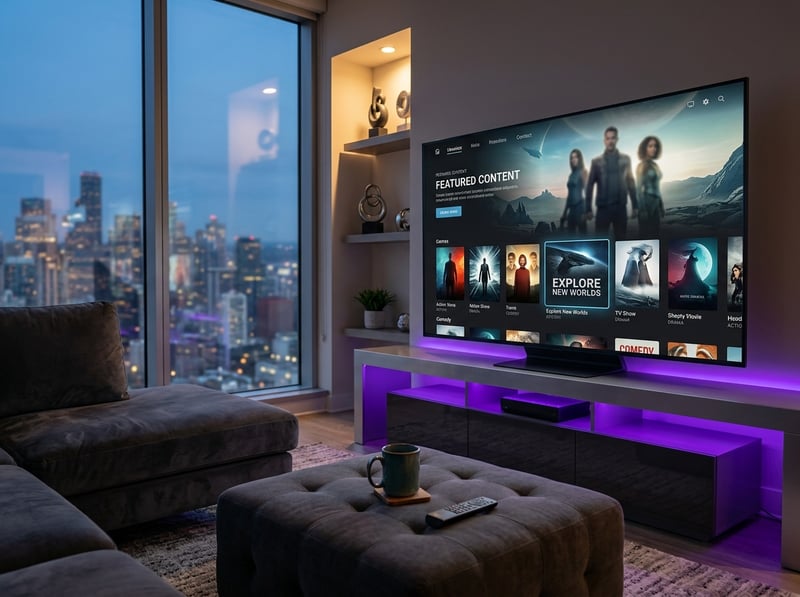
Smart Platform Comparison on Budget Television Models
The smart platform running on your budget TV determines your daily interaction experience more directly than any picture quality specification. A television with excellent picture quality but a slow frustrating smart platform creates daily annoyance that overshadows image fidelity. Conversely a responsive intuitive smart platform makes the television a pleasure to use regardless of whether its peak brightness sits fifty nits below a competitor.
Roku-powered budget televisions deliver the cleanest and most responsive smart platform experience in the budget category. The Roku interface is lightweight and runs smoothly even on the modest processors found in budget hardware. App launch times are fast. Menu navigation is responsive. The home screen presents a simple app grid without promotional clutter. Roku supports every major streaming app and maintains one of the largest overall app libraries. For budget buyers who prioritize platform speed and simplicity Roku-powered sets consistently deliver the best software experience.
Google TV-powered budget televisions offer a content-forward experience with personalized recommendations drawn from across your installed streaming apps. The interface is more visually complex than Roku which requires slightly more processing power to maintain smooth navigation. On budget hardware with modest processors Google TV may exhibit occasional navigation lag that is absent on the same platform running on premium hardware. The recommendation engine and Google Assistant integration provide discovery features that Roku does not match but the processing demands make platform responsiveness more variable across budget hardware configurations.
Fire TV-powered budget televisions integrate with the broader smart home ecosystem and provide strong voice assistant functionality. The platform runs well on budget hardware and includes the sideloading capability that allows installation of apps not available in the official store. For households already invested in the same company smart home products Fire TV-powered budget televisions extend the ecosystem to the living room screen at an accessible price point.
Panel Technology Differences That Actually Affect Your Viewing Experience
Budget televisions use LED-backlit LCD panels with two primary backlight configurations that produce meaningfully different picture characteristics. Understanding these configurations helps you select a budget model whose picture strengths align with your viewing environment and content preferences.
Edge-lit LED panels position the backlight LEDs along the edges of the panel frame with a light guide distributing illumination across the screen surface. This configuration enables thinner panel designs but produces less uniform brightness across the screen. Corners and edges may appear slightly brighter or darker than the center depending on the light guide quality. Edge-lit panels are common in the most affordable budget models where thin design and low manufacturing cost take priority.
Direct-lit LED panels position backlight LEDs directly behind the entire panel surface providing more uniform illumination. Budget direct-lit panels typically use a modest number of LEDs without independent zone dimming meaning the entire backlight operates at a single brightness level. This uniform backlight produces consistent brightness across the screen but cannot darken specific areas independently for improved contrast. The picture appears even and well-lit but blacks are limited by the minimum brightness of the always-on backlight.
For rooms with ambient lighting either configuration produces a satisfying picture because room light masks the contrast limitations of both approaches. For darker viewing environments direct-lit panels generally produce more uniform images without the bright edge artifacts that some edge-lit models exhibit. Neither budget configuration matches the contrast performance of premium local-dimming or OLED panels but in typical home viewing conditions the difference is far less dramatic than specification comparisons suggest.
HDMI Ports and Audio Output Connections to Verify Before Buying
Connectivity specifications determine whether your budget TV integrates smoothly with your existing entertainment equipment or creates frustrating compatibility limitations. Verifying port availability and capabilities before purchase prevents the disappointment of discovering that your new television cannot connect all your devices or cannot output audio to your soundbar properly.
HDMI port count varies on budget models from two to four ports. Three ports provides comfortable connectivity for a soundbar a streaming device and a gaming console. Two ports forces difficult choices about which devices to connect or requires an HDMI switch that adds complexity and potential signal quality issues. Verify the port count in the television specifications before purchasing especially if you plan to connect multiple external devices.
HDMI ARC or eARC capability on at least one port is essential for soundbar connectivity. ARC sends audio from the television to a connected soundbar through the HDMI cable eliminating the need for a separate optical audio cable. Budget models typically include ARC on one designated HDMI port. Verify which port number supports ARC and plan your soundbar connection accordingly. Without ARC you must use optical audio output which is functional but lacks the bandwidth for advanced audio formats that ARC and eARC support.
USB ports on budget televisions allow connection of external storage devices for playing locally stored media files and for powering small streaming devices directly from the television. One to two USB ports is standard on budget models. An ethernet port provides wired internet connectivity as an alternative to Wi-Fi for households where wired connection is preferred for streaming reliability.
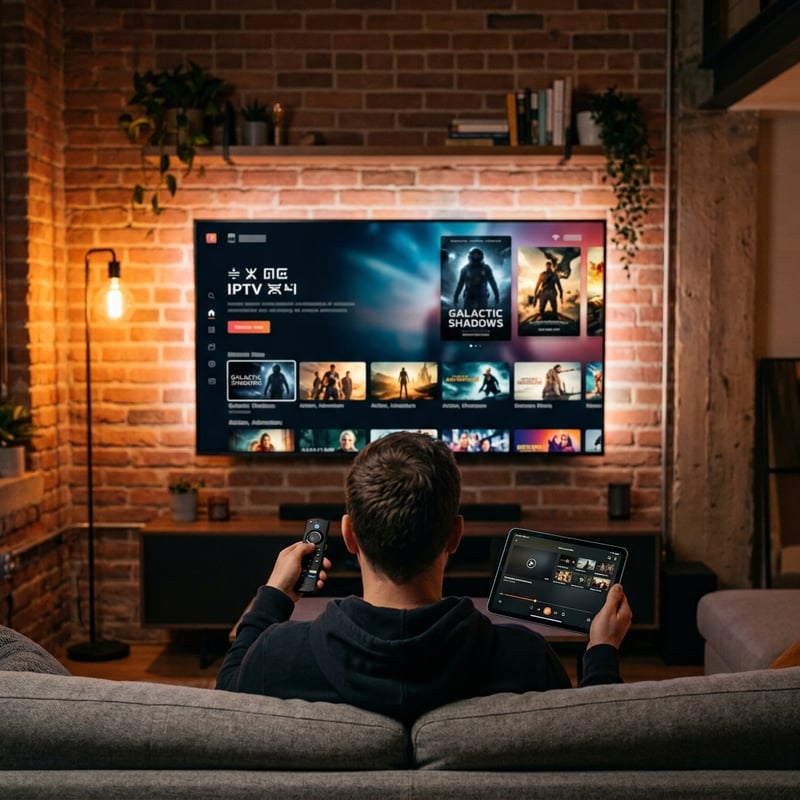
When to Spend More and When Budget Is Genuinely Good Enough
The most valuable advice for budget TV buyers is knowing when budget is genuinely good enough for your needs and when spending more delivers meaningful improvements worth the additional cost. For most viewing scenarios and most viewers a well-chosen budget smart TV delivers an excellent experience that satisfies completely.
Budget is good enough when your primary use is streaming movies and shows in a room with some ambient lighting. Budget is good enough for a secondary bedroom or kitchen television where picture quality expectations are relaxed. Budget is good enough when your viewing consists primarily of standard dynamic range content without demanding HDR-heavy material. Budget is good enough when your streaming devices connect externally and the television functions primarily as a display panel with smart platform providing app access.
Consider spending more when you watch primarily in a completely dark home theater environment where contrast performance visibly affects image quality. Consider spending more when competitive gaming at high frame rates requires 120Hz panel capability with variable refresh rate support. Consider spending more when your viewing includes substantial HDR content that benefits from the higher peak brightness and wider color gamut that premium panels deliver. Consider spending more when the television serves as the centerpiece of a dedicated entertainment space where picture quality is the primary consideration above all other factors.
For the majority of households where the television serves as a general-purpose streaming and entertainment display in a normally lit living space a budget smart TV in the two hundred fifty to four hundred dollar range delivers daily performance that satisfies without compromise. The money saved compared to a premium purchase funds streaming subscriptions soundbar upgrades or additional entertainment spending that collectively enhances your viewing experience more than a premium panel alone would provide.
Frequently Asked Questions
Ready to get started?
Try our service risk-free with a 24-hour free trial.
Related Articles
Best Soundbar Under 200 Dollars and What to Look for Before You Buy
An honest comparison guide to soundbars under two hundred dollars covering audio quality differences and connectivity features and subwoofer inclusion and what specifications genuinely matter for upgrading your TV audio experience on a budget.
Discover the Best IPTV Subscriptions for 2026: Your Ultimate Guide
Uncover the best IPTV subscriptions and tips for 2026.
Discover the Best IPTV TV Providers: Your 2026 Guide
A complete guide to the best IPTV TV providers in 2026.