
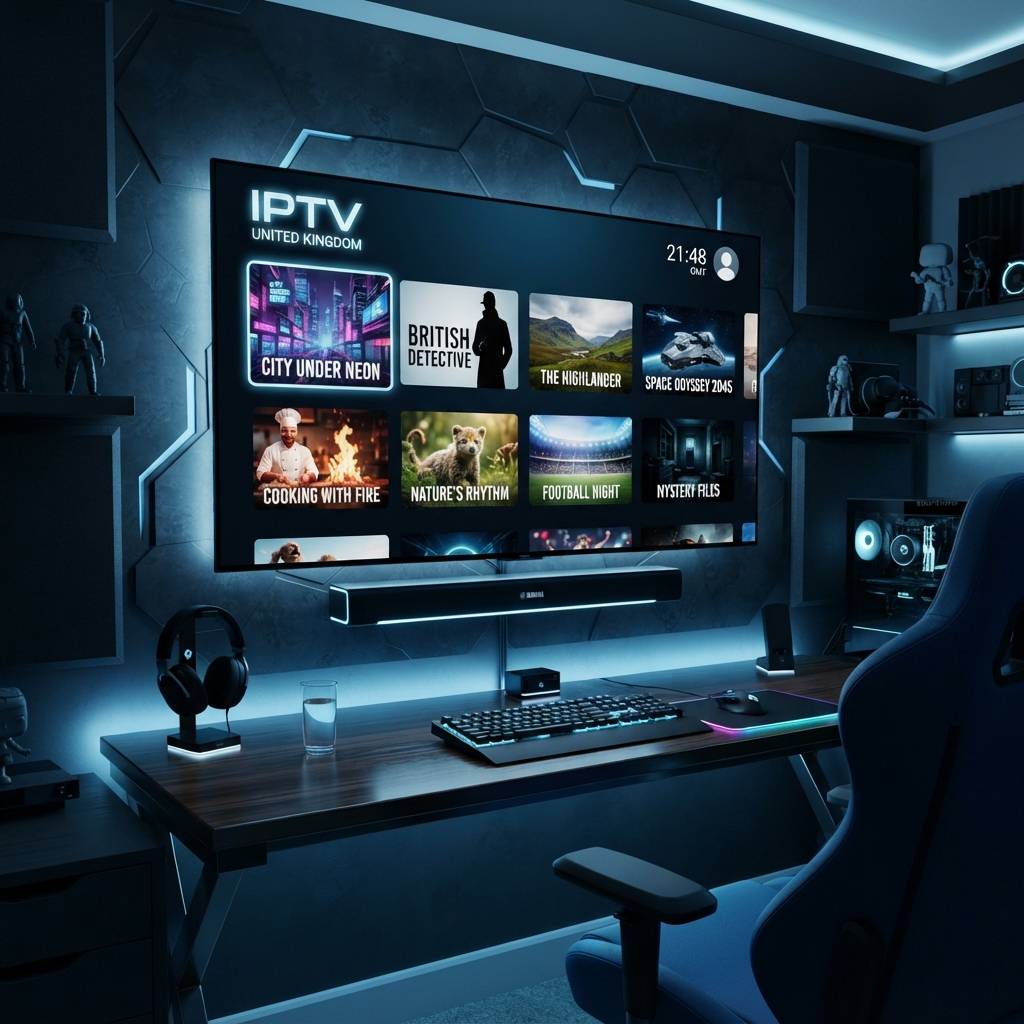
Discover the Best IPTV Providers for Streaming in 2026

Cutting the cord on traditional cable TV in the UK has never been more tempting — but most people who try IPTV in the United Kingdom hit the same wall almost immediately. Buffering mid-match during a Premier League fixture, playlists that refuse to load, and apps that feel like they were designed to confuse you. The good news? Every single one of those problems has a straightforward fix, and this guide walks you through exactly how to get crystal-clear UK live TV, VOD, and sports channels streaming on any device — Firestick, Smart TV, Android box, or TiviMate — starting today.
Solving your IPTV setup properly is not just about convenience — it is about reliability. A poorly configured setup means dropped streams during live events, frustrated family members, and ultimately abandoning a service that could have saved you hundreds of pounds per year.
Core Concepts & Need-To-Know Info
- M3U Playlist / M3U URL: This is a text file your IPTV app uses to load all your channels. Your provider gives you a direct URL link; handle it carefully and never share it.
- Xtream Codes API: An alternative login method (server URL + username + password) used by most premium UK IPTV providers. More stable than raw M3U links.
- EPG (Electronic Programme Guide): The on-screen TV guide. Your provider supplies an EPG URL separately so you can see what is on each channel.
- ISP Throttling: UK internet providers like BT, Sky, Virgin Media, and TalkTalk actively throttle streaming traffic. This is the number one cause of buffering despite having fast internet.
- VOD (Video on Demand): The catch-up and movie library section of your IPTV service, separate from live channels.
- VPN: A Virtual Private Network encrypts your traffic, bypassing ISP throttling and unblocking geo-restricted content. Non-negotiable for a stable UK IPTV experience.
- DNS Settings: Changing your DNS to a faster public server (like Cloudflare's 1.1.1.1) can measurably reduce buffering and channel loading times.
Step-by-Step Guide: Setting Up IPTV United Kingdom on a Firestick
- Step 1: Enable Apps from Unknown Sources:
- Go to your Firestick Home Screen, then Settings, then My Fire TV, then Developer Options, then toggle Apps from Unknown Sources to ON. This allows you to install apps not listed in the Amazon App Store, including the Downloader app you will need next.
- Step 2: Install the Downloader App:
- Return to the Home Screen, then Search, then type Downloader, then select and install the orange icon app by AFTVnews. This app acts as your browser and installer for sideloading APKs onto the Firestick.
- Step 3: Download TiviMate APK:
- Open Downloader, type https://tivimate.com exactly into the address bar, navigate to the download section and grab the latest TiviMate APK. Alternatively, you can search for the TiviMate Companion app on the Amazon App Store as a shortcut activation method.
- Step 4: Install TiviMate:
- Once the APK downloads, Downloader will prompt you to install — tap Install, wait for it to complete, then tap Done (not Open yet). Delete the APK file when prompted to free up storage.
- Step 5: Purchase TiviMate Premium (Highly Recommended):
- Open TiviMate, then tap the TiviMate Companion app on your Firestick to activate Premium. Premium unlocks multiple playlists, recording, catch-up TV, and advanced EPG features — all critical for a complete IPTV United Kingdom experience.
- Step 6: Add Your Playlist via Xtream Codes:
- Open TiviMate, then Add Playlist, then select Xtream Codes, then enter your provider's Server URL, Username, and Password exactly as they appear in your welcome email. Tap Next and allow TiviMate to load your channel list (this can take 2-5 minutes for large UK playlists).
- Step 7: Configure Your EPG:
- Once your playlist loads, go to Settings, then Playlist Settings, then EPG URL, then paste the EPG link supplied by your provider. Set the EPG refresh interval to every 12 hours. This populates your TV guide with accurate UK programme schedules.
- Step 8: Organise Your Channel Groups:
- In TiviMate, go to Groups, then hide any regions or languages you do not need. Pin UK Sports, UK Entertainment, UK News, and UK Regional to your favourites panel for instant access from the home screen.
- Step 9: Test Your Streams:
- Navigate to a live channel — BBC One HD or Sky Sports Main Event are good tests. A healthy stream loads within 3 seconds and plays without stuttering. If it buffers, move to the Troubleshooting section below before adjusting anything else.

Imagine settling in for the FA Cup Final, your setup looks fine all week, then 20 minutes in the stream drops — because it is peak time and your ISP throttled the connection. Or worse, your account gets suspended because someone you shared the link with overloaded the connections. These are not edge cases; they happen constantly to UK IPTV users who skip these precautions.
Best VPNs to Stop ISP Throttling for UK IPTV
ISP throttling is the silent killer of otherwise perfect IPTV setups across the United Kingdom. A VPN routes your traffic through an encrypted tunnel that your ISP cannot inspect or throttle. ExpressVPN offers the fastest speeds on UK servers and a MediaStreamer DNS feature for Smart TVs that cannot install VPN apps directly, making it consistently top-rated for streaming. NordVPN delivers near-native speeds through its NordLynx protocol, with an excellent UK server count and a Threat Protection feature that blocks malicious IPTV-related domains. Surfshark is the best value for households with multiple devices, offering unlimited simultaneous connections so every TV, phone, and tablet is protected on one subscription. For the best results, install your VPN directly on your home router rather than on individual devices, which protects everything automatically including Smart TVs and consoles. Always select WireGuard or Lightway protocol for IPTV streaming — they are 40-60% faster than OpenVPN while maintaining the same security level.
TiviMate vs IPTV Smarters Pro: Which Is Right for UK Streaming?
Both apps dominate the UK IPTV player market but serve slightly different users. TiviMate is the undisputed champion for Firestick and Android TV box users, with a polished interface, flawless EPG handling, and unmatched buffer and catchup features — it requires a one-time Premium purchase of around 4 pounds but pays for itself immediately. IPTV Smarters Pro is better suited for users who want a free, multi-platform option running on iOS, Android phones, Smart TVs, and web browsers, though its interface feels dated compared to TiviMate. For UK Sports specifically, TiviMate's multi-screen view lets you watch 4 channels simultaneously, which is invaluable during busy Premier League weekends. GSE Smart IPTV is also worth mentioning as a strong third option, particularly for Apple TV and iPad users who want full M3U playlist support with a clean iOS-native interface.
Network Requirements for Smooth IPTV Streaming in the UK
Your IPTV experience is only as good as the network delivering it. SD channels require a minimum of 5 Mbps per stream, while HD channels at 1080p need 10-15 Mbps per stream — if you are running HD on multiple TVs simultaneously, both your router and broadband plan matter. 4K UHD streams demand 25-35 Mbps per stream with a stable, wired Ethernet connection, as Wi-Fi is generally not reliable enough for this quality. Using a Cat6 cable from your router to your Firestick via an Ethernet adapter eliminates 80% of buffering complaints that people mistakenly blame on their IPTV provider. If you must use Wi-Fi, ensure your streaming device is within 10 metres of your router with no concrete walls between them, and always prefer 5GHz over 2.4GHz for significantly more stable streaming. Restarting your router weekly also keeps connection speeds consistent, as UK ISP-provided routers accumulate memory leaks that degrade streaming performance over time.
Troubleshooting: Fixing Common IPTV United Kingdom Playlist Errors
When your IPTV United Kingdom setup goes wrong, there are reliable fixes for the most common culprits. If you see No Channels Found after adding your playlist, double-check your Xtream Codes server URL — it must include http:// or https:// at the start and the correct port number such as :8080, since a missing colon or wrong port kills the connection entirely. If your EPG is showing wrong times or a blank guide, check that your Firestick timezone is set to London time, as UK IPTV EPGs use GMT/BST timestamps and any offset will shift every programme listing. Channels buffering only during evenings is a classic sign of ISP throttling — enable your VPN, switch to a WireGuard protocol server, and test immediately to confirm. For specific channels showing a black screen, long-press the channel in TiviMate and select a different stream source, as premium providers include 3-5 redundant sources for major UK channels. If the app crashes after your playlist loads, go to TiviMate Settings, then Playlist Settings, and disable unused channel groups to reduce RAM load, since dropping from 20,000 to 5,000 channels dramatically improves stability on older Firestick models.

Getting IPTV right in the United Kingdom is not complicated once you understand what each component does and why it matters. The combination of a reputable provider, TiviMate on a Firestick, a paid VPN to bypass ISP throttling, and the correct network setup gives you a streaming experience that genuinely rivals and in most cases exceeds what Sky or Virgin Media deliver for three times the price — follow the steps above, respect the warnings, and check out our full channel list and pricing plans to get live UK TV, sports, and VOD running flawlessly on every screen in your home within the hour.
Frequently Asked Questions
Ready to get started?
Try our service risk-free with a 24-hour free trial.
Related Articles

Discover the Best IPTV Services in the UK: Your 2026 Guide
Uncover the best IPTV services available in the UK for 2026.

Discover the Best UK IPTV Providers for 2026 Streaming
Explore the best UK IPTV providers and their features.

Explore the Best IPTV Service UK Subscriptions for 2026
Find top IPTV service UK subscriptions and streaming tips.